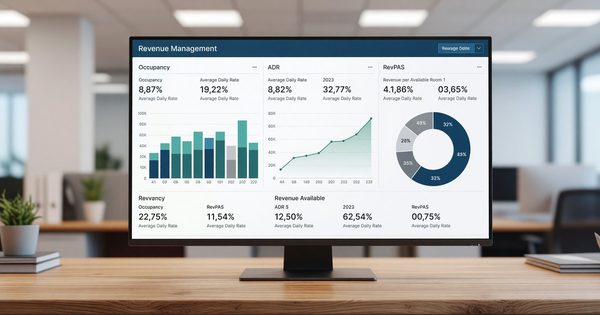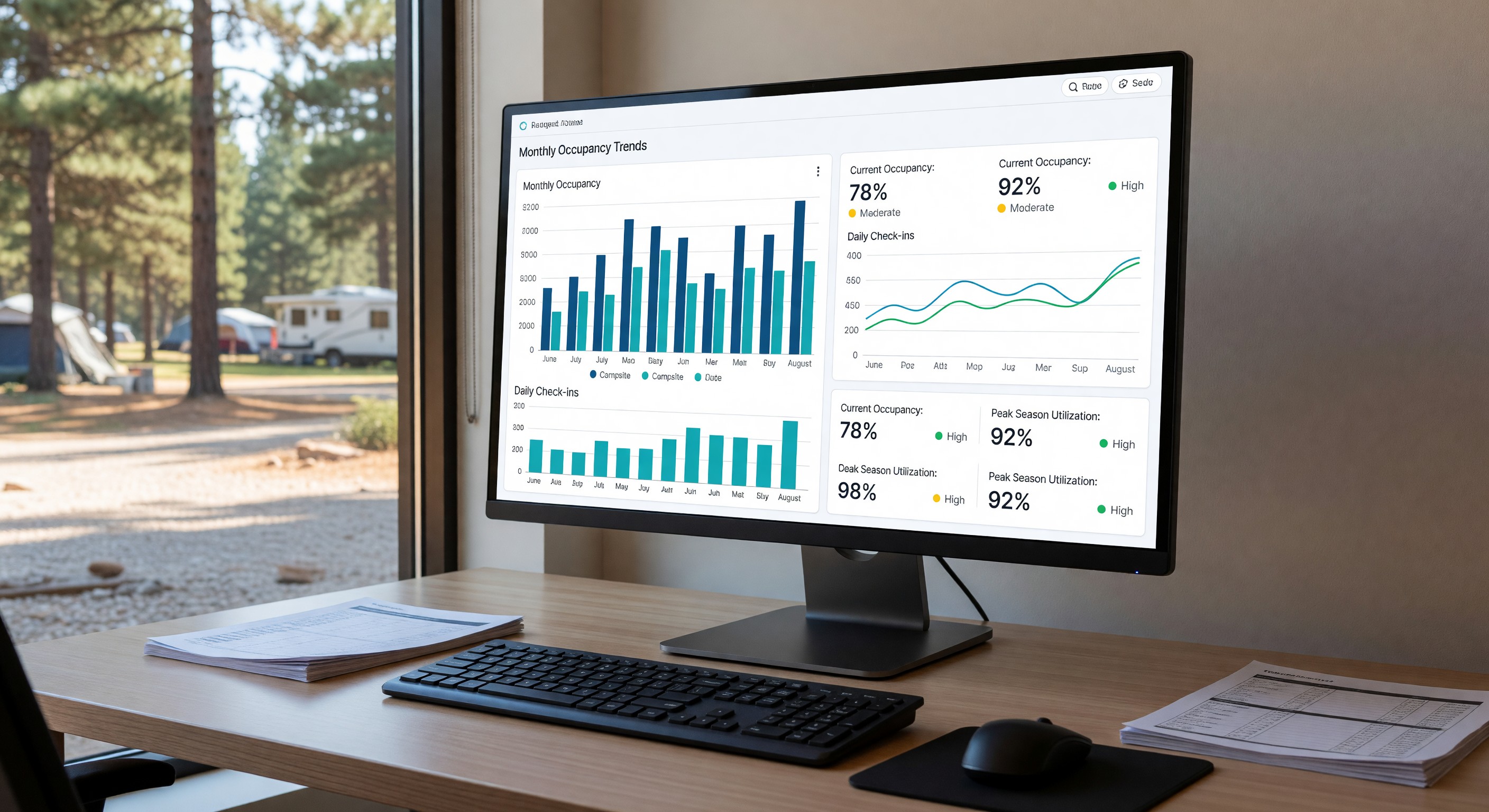
Most campground operators run on instinct and experience — a feel for what’s busy, what’s slow, and what’s working. That intuition is valuable, but it’s also incomplete and sometimes wrong. Reservation data, when organized into the right reports and reviewed on a regular cadence, provides an objective view of your business that gut feeling alone can’t match.
The challenge is knowing which reports matter. A modern campground PMS can generate dozens of reports, and sifting through all of them is itself a time burden. Here’s a guide to the reports that actually drive decisions.
The Five Reports Every Campground Needs
1. Daily Occupancy Report
What: Today’s site utilization — what percentage of your inventory is occupied.
How to use it: Track this daily during the season and compare to the same date last year. Significant deviation from last year’s pace (up or down) is an early signal that you should investigate.
Frequency: Daily during operating season.
2. Forward Booking Pace Report
What: Reservations on the books for future dates, compared to the same date-window last year.
How to use it: If next weekend is pacing 20% behind last year at the same advance booking window, you have time to act — a targeted promotion, an OTA flash sale, or an email to your waitlist. Without forward booking data, you discover occupancy problems when it’s too late to address them.
Frequency: Weekly, at minimum for the next 30–60 days.
3. Revenue by Site Type
What: Total revenue, occupancy rate, and ADR broken out by site category (tent, 30A, 50A, cabin, glamping, etc.).
How to use it: Identifies where your strongest and weakest performers are. If cabin occupancy is consistently outpacing RV site occupancy, the data supports investment in more cabin inventory. If 30A sites are perpetually at lower occupancy than 50A, consider upgrading electrical service.
Frequency: Monthly.
4. Booking Source Analysis
What: Where reservations come from — direct website, phone, OTA A, OTA B, walk-in.
How to use it: Understand which channels are performing and whether your OTA mix is appropriate. If 40% of your bookings come through one OTA at a 12% commission, that’s a meaningful cost to potentially offset with direct booking investment. If walk-ins are 15% of your total, that informs your late-day staffing model.
Frequency: Monthly; quarterly comparison.
5. Guest Retention Report (Annual)
What: What percentage of this year’s guests also stayed with you in the prior year.
How to use it: Your retention rate is the leading indicator of guest satisfaction and long-term revenue health. A park retaining 60%+ of its guests annually has a fundamentally more stable business than one retaining 30%. If retention is declining, guest experience issues are often the root cause.
Frequency: Annual.
Building a Reporting Calendar
Rather than pulling reports reactively when you remember, build a structured cadence:
Daily (5 minutes): Check occupancy and any significant booking events (large group confirmations, unusual cancellations).
Weekly (20 minutes): Forward booking pace for next 30–60 days. Compare to same window last year. Flag any dates pacing significantly below expectations.
Monthly (60 minutes): Revenue by site type, booking source mix, OTA commission cost, ADR trend. Note any pattern changes.
End of season (half day): Full season review. RevPAS by site type and by period. Year-over-year comparison. Retention analysis. Capital allocation implications.
Making Reports Actionable
Reports are only valuable if they change decisions. For each report you review, ask: “What would I do differently if this number were 20% higher or lower?” If the answer is “nothing,” you might not need that report. If there are clear actions you’d take, the report belongs in your regular review.
Document your review decisions — even briefly — so you can track which changes improved outcomes and which didn’t. Over time, this creates an institutional record of what works at your specific property.
Frequently Asked Questions
My PMS doesn’t have all of these reports built in — what should I do? Export your reservation data and build the reports you need in Google Sheets or Excel. A basic occupancy calculation (reservations booked ÷ total site nights) can be done manually with a simple export. This is tedious but better than operating without data.
How far back should I keep historical reservation data? At least five years of historical data is useful for trend analysis and year-over-year comparison. Ensure your data doesn’t disappear if you switch PMS platforms — export and archive before any migration.
Should I use Google Analytics or similar tools alongside my PMS reporting? Yes. Google Analytics (GA4) tracks your website traffic and booking page behavior — how many people view your booking page, what percentage start and complete a booking, where they drop off. This complements your PMS data, which tells you what happened, with visibility into why visitors didn’t convert.
What’s the most overlooked metric in campground reporting? Booking window (how far in advance reservations are made) is underused. If your average booking window is shrinking year-over-year — guests booking closer and closer to their arrival — that signals declining demand confidence and warrants investigation into your reputation, pricing, or competition.
Further Reading from Authoritative Sources
- ARVC campground industry benchmarks for occupancy, ADR, and RevPAS by park type — ARVC’s annual industry benchmarking report provides campground operators with occupancy, ADR, and RevPAS benchmarks by region, park type, and site category — the industry reference against which operators calibrate the performance metrics described in this article.
- Go RVing consumer research on camping booking lead times and cancellation behavior — Go RVing’s consumer research on booking lead times, cancellation patterns, and channel usage informs the analytical frameworks campground operators use to interpret their PMS data.