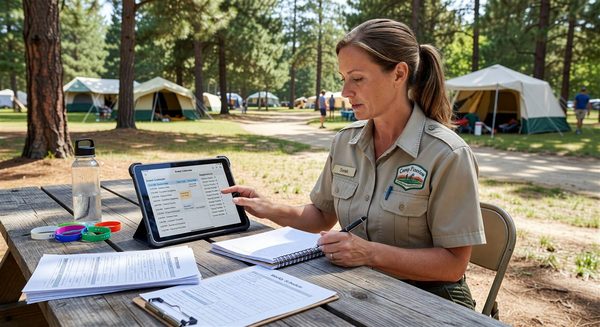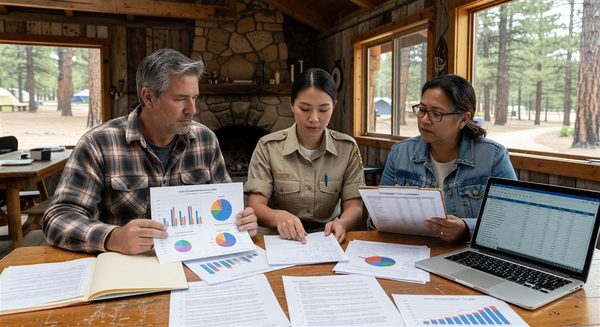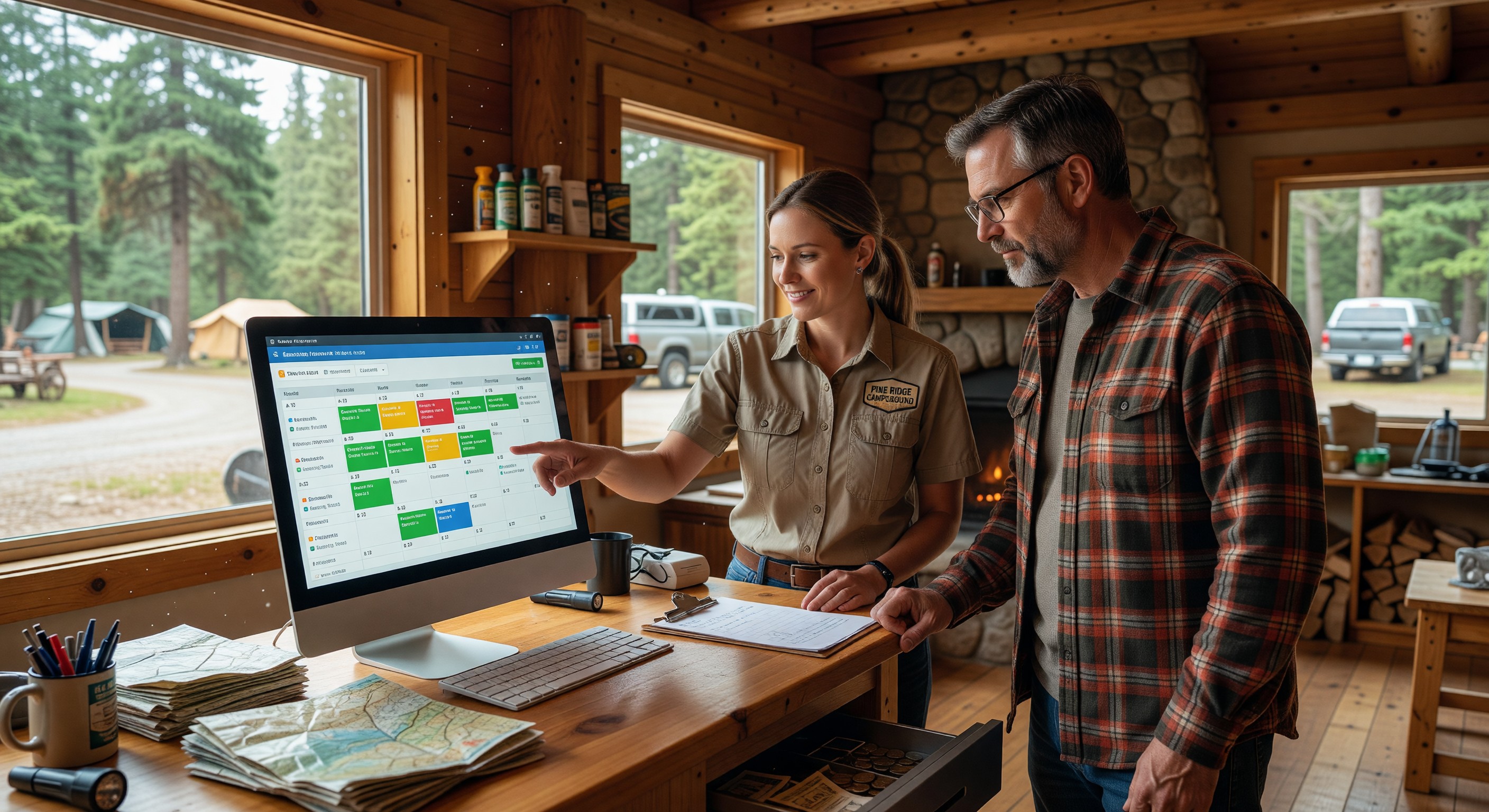
Front desk customer service at a campground touches nearly every guest during their stay. Check-in interactions, questions about amenities, complaint handling, reservation modifications, and issue resolution — these moments collectively determine how guests feel about the campground and whether they return.
Technology tools that support front desk operations — service request tracking, scripted communication templates, issue escalation systems — help campground operators deliver consistent service across different staff and shifts.
The Front Desk as Operations Hub
The campground front desk (or office) is the operational center that connects guests, reservations, maintenance, security, and management. Information flows through it in multiple directions:
- Guests arrive and check in; their arrival is recorded and site keys/codes are issued
- Guests report problems; those reports must reach maintenance
- Guests ask questions; staff need to know current conditions at all amenities
- Management needs to know about significant incidents; escalation paths must be clear
- The gate access system issues credentials tied to current reservations
When this coordination works well, the campground feels professional and responsive. When it breaks down — a maintenance request that never gets addressed, a security concern that doesn’t reach management, a check-in problem that leaves a guest waiting while staff search for information — the experience suffers.
Service Request Tracking
Every guest-reported issue — a maintenance problem, a neighbor complaint, a missing amenity — should be captured, routed, and tracked to resolution. The service request log provides:
For management: Visibility into what guests are experiencing, whether issues are being resolved promptly, and what types of problems recur.
For maintenance staff: A clear queue of tasks with priority and location, reducing the reliance on verbal handoffs that get forgotten.
For guests: Confidence that their report was captured and will be addressed — especially when staff can confirm receipt and provide an expected resolution timeframe.
Minimum viable service tracking: Even a shared Google Sheet where front desk staff log guest-reported issues, assign them to the appropriate person, and mark them resolved is dramatically better than verbal handoffs and memory. This requires zero cost and minimal setup.
Integrated systems: Campground PMS platforms increasingly include service request modules. Maintenance management software (CMMS) links service requests to work orders and asset records. These integrations improve visibility and reduce the administrative burden on front desk staff.
Communication Templates and Scripts
Inconsistent communication — different staff giving different answers to the same question, some helpful and some not — creates guest confusion and erodes trust. Communication templates provide guardrails that improve consistency.
Phone greeting scripts: A standard phone greeting (campground name, representative name, how can I help you) projects professionalism and ensures the caller has the information they need for the conversation.
Common question answers: A quick-reference document covering the 20 most common guest questions — pool hours, checkout time, gate codes, Wi-Fi password, local dining recommendations — allows any staff member to answer accurately without calling a manager.
Complaint response templates: Scripted language for common complaint scenarios (noise from a neighboring site, a maintenance issue that wasn’t resolved promptly, a billing discrepancy) ensures that complaints are handled with empathy and appropriate acknowledgment, even by new or less experienced staff.
Email templates: Pre-written templates for common guest communications — cancellation confirmations, early check-in responses, referral to local resources — reduce the time and cognitive load of responding to routine inquiries.
Escalation Pathways
Not all service situations are routine. Some require manager involvement — a guest who is extremely upset, a safety concern, a situation outside normal policy. Clear escalation pathways tell frontline staff exactly when and how to involve a manager.
Escalation triggers:
- Any situation involving potential injury or safety concern
- Guest threatening legal action or property damage
- Request for a policy exception above a defined dollar threshold
- Security incident requiring law enforcement involvement
- Media inquiry or social media complaint with significant engagement
Escalation process:
- Who to contact (on-duty manager, then general manager if not reachable)
- How to contact them (specific phone number, text-first vs. call-first)
- What information to provide in the escalation (guest name, site, nature of situation, what has been tried)
- What documentation to complete (incident report, notes in reservation record)
Documenting this process and training all frontline staff on it — rather than assuming people will figure it out when needed — prevents the most costly escalation failures.
Shift Handover Communication
Campgrounds operating with multiple shifts need reliable handover communication to ensure continuity. Issues reported during one shift that require attention in the next shift must survive the transition.
Shift log: A written or digital shift log where the departing shift notes:
- Unusual incidents or situations from the shift
- Pending items not yet resolved
- Guests who may need follow-up
- Any maintenance issues reported and their current status
- Any guest expectations set during the shift (e.g., “I told the guest at site 42 that maintenance would look at their electrical issue today”)
Handover conversation: A brief 5-minute verbal handover between outgoing and incoming shift staff supplements the written log, allowing questions and clarification.
Reservation system notes: For guest-specific situations, notes should be added directly to the reservation record in the PMS — where any staff member can see them regardless of when or how the guest next contacts the office.
Self-Service Options That Reduce Front Desk Load
Some guest needs can be met through self-service, reducing front desk volume and freeing staff for complex interactions.
Kiosk check-in: Self-service check-in kiosks allow guests to complete check-in independently without waiting in line. Common implementations include ID verification, electronic waiver signing, gate code delivery, and site confirmation. Particularly valuable during peak arrival windows.
Digital campground guide: A comprehensive digital guide accessible via QR code reduces question volume significantly. Guests who can look up pool hours, Wi-Fi passwords, and local recommendations without calling the front desk free staff for interactions that genuinely require a person.
Automated responses: Chatbots or automated email responses for common inquiries (do you have availability for these dates? what is your pet policy?) handle routine questions outside office hours without requiring staff time.
Frequently Asked Questions
How do I maintain service quality with a high-turnover seasonal staff? Documentation is the answer. Well-documented procedures, communication scripts, and decision guidelines reduce dependence on institutional knowledge that walks out the door with departing staff. New employees who have good documentation to reference can deliver consistent service even before they’ve fully learned the operation.
What’s the most important customer service metric for a campground? Review score — specifically your Google rating and the ratings on campground-specific platforms — is the most consequential customer service metric because it directly influences booking decisions. Drill down into review comments to identify which specific service failures generate negative reviews, then target operational improvements at those specific failures.
How do I handle a guest who demands a refund for a bad experience? Listen fully before responding, acknowledge that the experience fell short of expectations, and evaluate whether the situation warrants a refund based on defined policy — not on whether the guest is insisting loudly. Having clear refund policies established in advance (what circumstances warrant refunds, at what levels, requiring what documentation) allows consistent decisions and reduces the emotional difficulty of these conversations for frontline staff.
Should campground front desk staff be empowered to offer compensation without manager approval? Yes, within defined limits. Front desk staff empowered to offer a small goodwill gesture — a site credit, a free bundle of firewood, a camp store credit — for minor service failures can resolve guest dissatisfaction in the moment rather than waiting for manager approval and allowing frustration to escalate. Define the authorization limit (e.g., up to $25 in goodwill gestures without approval), train staff on appropriate situations for its use, and track what’s offered for management visibility.
Further Reading from Authoritative Sources
- ARVC campground customer service standards and guest relations — ARVC provides operational best practice guidance for campground customer service and publishes research on the relationship between guest communication quality and overall satisfaction scores in the campground industry.
- CRM systems overview and guest data management — Wikipedia’s CRM article provides authoritative background on customer relationship management systems and the guest data management practices that campground operators are adapting from the broader hospitality industry.