If you’re receiving WiFi complaints from guests, you’re not alone. Campground WiFi is consistently one of the most frequently cited sources of guest dissatisfaction in outdoor hospitality reviews. The good news is that most campground WiFi problems are diagnosable and fixable with the right approach.
This guide walks through a systematic process for identifying what’s causing your WiFi problems and how to address them.
Step 1: Identify the Type of Problem
WiFi complaints typically fall into one of four categories:
No signal (coverage problem): Guest can’t find or connect to your WiFi network from their site. Signal doesn’t reach their location.
Slow speeds (bandwidth problem): Guest connects successfully but pages load slowly, streaming stutters, or video calls drop. The network is congested or the backhaul bandwidth is insufficient.
Unreliable connection (stability problem): Guest connects and disconnects repeatedly, or the connection works sometimes but not others. Often an access point issue or interference problem.
Can’t connect (authentication problem): Guest can see the network and has the right password but can’t complete login or get an IP address. Often a DHCP or captive portal issue.
Start diagnosis by identifying which category the complaints fit. The solutions are different for each.
Step 2: Conduct a Site Survey
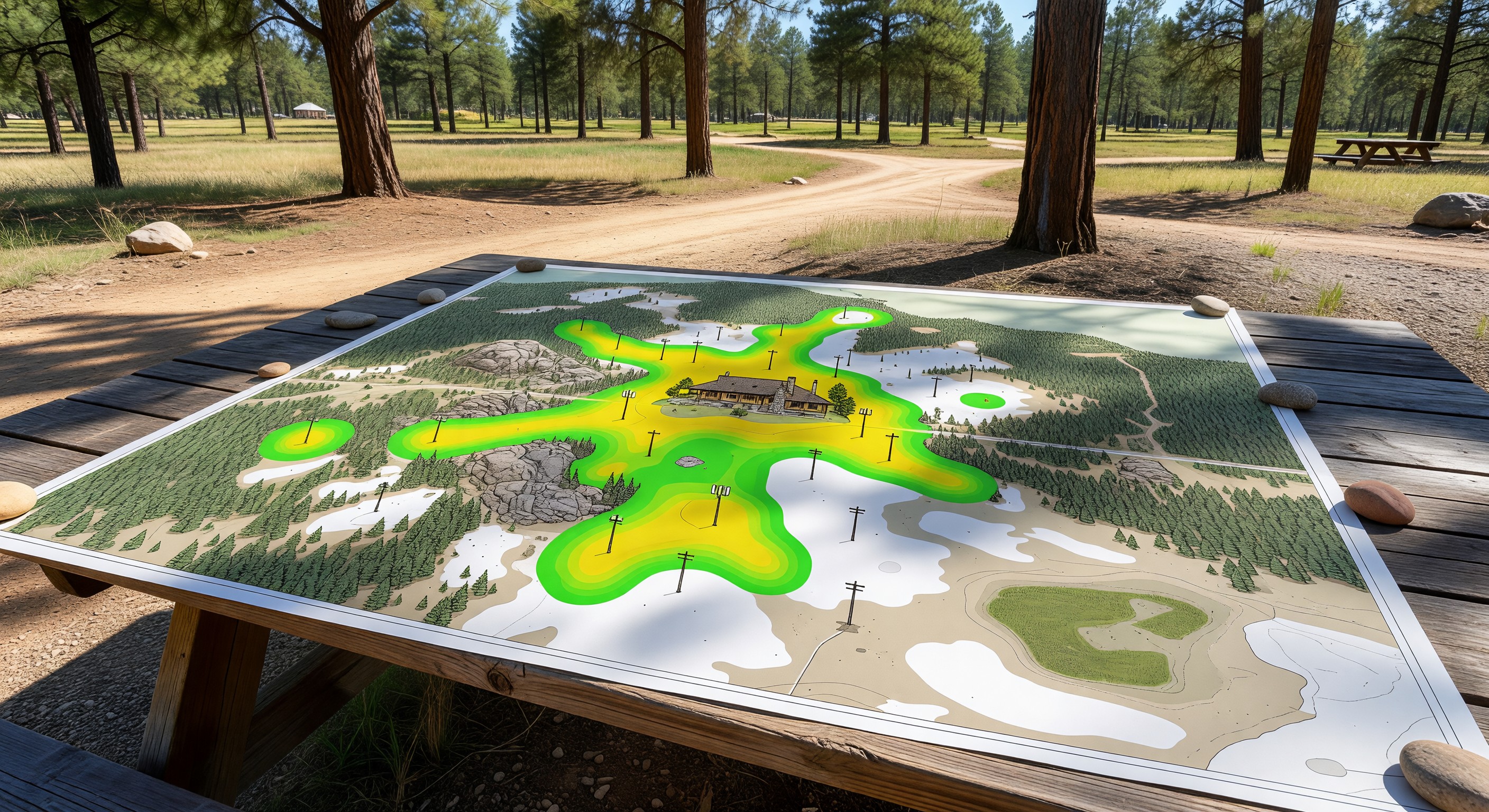
A WiFi site survey maps the actual signal strength and quality across your property. This reveals coverage gaps that aren’t obvious from looking at access point placement on a map.
You don’t need expensive equipment to do a basic survey. WiFi analyzer apps (available free on iOS and Android) show signal strength in dBm as you walk the property. Walk your camping areas at representative times (midday on a slow day, then again at 6pm on a peak weekend) and note locations where signal drops below -70 dBm (generally unreliable) or disappears.
For a more detailed survey, tools like NetSpot or Ekahau can create visual heat maps from your walkthrough data.
Document your results: which areas have good coverage, which have marginal coverage, which have none.
Step 3: Test Your Backhaul Speed
The speed your ISP delivers to your property sets the ceiling for what any guest can receive. Test your backhaul speed directly at your router or ISP connection point (not from a device connected to your WiFi, which adds network overhead).
Compare the result against your contracted speed. If you’re receiving significantly less than contracted, contact your ISP.
If you’re receiving your contracted speed but it’s still insufficient for your guest population, your backhaul contract needs to be upgraded.
A rough calculation: 200 sites × 50% occupancy = 100 occupied sites × 2.5 devices/site = 250 active devices. At 5 Mbps per device during evening peak: 1,250 Mbps needed. Most campground ISP connections are far below this — which is why most campground WiFi is slow during peak evening hours.
Step 4: Check Access Point Placement and Density
Access point placement errors cause the most common coverage problems:
Too few APs: One AP covering too large an area means distant guests get weak signal and congested devices share one radio.
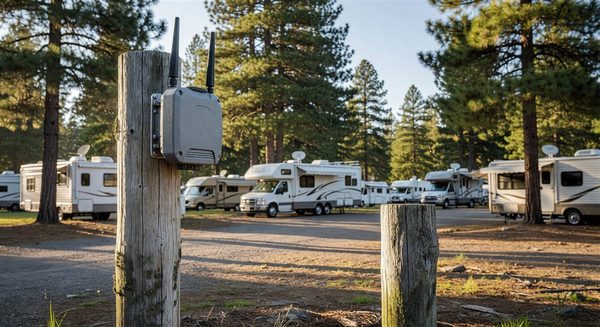
Placement too high: APs mounted at the top of utility poles sometimes have their signal going over the camping area rather than into it. Lower mounting heights (10–15 feet) often provide better ground-level coverage.
Physical obstructions: APs placed on one side of a building can’t adequately serve guests on the other side.
Channel interference: APs placed close together on the same channel compete with each other, reducing throughput for everyone. Configure adjacent APs on non-overlapping channels (1, 6, 11 for 2.4GHz; non-adjacent channels for 5GHz).
Step 5: Address Bandwidth Hogs
Even adequate bandwidth becomes insufficient when a few users consume disproportionate amounts:
Per-user bandwidth limits: Configure your wireless controller to limit each device to 10–20 Mbps. This prevents one guest’s video download from consuming all available bandwidth.
Traffic shaping: Prioritize real-time traffic (video calls, VoIP) over bulk downloads. Modern wireless controllers include traffic shaping capabilities.
Streaming service limitations: Some parks limit access to high-bandwidth streaming services during peak evening hours. This is operationally defensible but can generate negative feedback — set expectations in your WiFi terms of use.
Frequently Asked Questions
My guests say WiFi works fine until the evening. Why? Evening peak (typically 6–10pm) is when the most guests are on the network simultaneously, doing the most bandwidth-intensive activities (streaming Netflix, video calls). If evening performance is poor but daytime performance is good, the issue is bandwidth-to-concurrent-user ratio, not your physical network design.
Should I charge guests for WiFi access? In most campground markets, paid WiFi creates competitive disadvantage without meaningful revenue. Guests expect complimentary WiFi. The exception is resort-level parks where premium connectivity ($10–$15/day) can be positioned as a value add for business travelers. Most parks are better served by investing in improving free WiFi than by monetizing poor service.
Can I use consumer mesh WiFi systems (Eero, Orbi, etc.) for a campground? Consumer mesh systems are designed for homes with 5–10 devices in small spaces. They’ll fail in campground environments due to insufficient range, inadequate concurrent device handling, and lack of outdoor weatherproofing. They’re also not manageable at scale. Use commercial-grade equipment designed for high-density outdoor environments.
How much does it cost to upgrade from a bad campground WiFi system to a good one? The range is wide. An upgrade that addresses coverage gaps and adds backhaul bandwidth on an existing partially installed network might run $10,000–$20,000. A ground-up installation for a large property with poor prior infrastructure can run $50,000–$100,000. The ROI calculation should consider the cost of lost bookings from negative WiFi reviews versus the investment.
Further Reading from Authoritative Sources
- FCC WiFi spectrum and broadband performance standards — The FCC regulates the spectrum used by WiFi systems and publishes broadband performance definitions relevant to the speed benchmarks that campground WiFi should meet.
- ARVC campground WiFi standards and guest satisfaction research — ARVC publishes operational guidance on campground WiFi infrastructure expectations and tracks guest satisfaction data showing the relationship between WiFi performance and overall review scores, making it the most relevant industry authority for this topic.