First impressions in campground operations go to check-in — most operators think carefully about the arrival experience. But the departure experience is the last thing a guest remembers when they’re driving home and considering whether to return, and when they’re sitting down to write a review.
A clunky checkout — waiting in a queue, disputes about charges, confusion about what to do with the key — leaves a sour taste that can override an otherwise excellent stay. Technology can make departure smooth, quick, and leave guests with a positive final memory.
The Anatomy of a Good Checkout Experience
A well-designed checkout has these characteristics:
Clarity on the process before the day. Guests should know checkout time, what’s expected of them before they leave (return key, take trash to dumpster, etc.), and how they’ll settle any outstanding charges — before the morning of departure. This information in the pre-arrival email and a reminder the night before prevents the “what do I do?” confusion at checkout time.
Minimal friction for guests who owe nothing extra. For guests who prepaid their full reservation and have no add-on charges, checkout should be as simple as leaving — no stop at the office required. Their access credential expiring at checkout time is the system’s signal that they’ve departed.
Quick resolution for guests with outstanding balances. Add-on charges (extra nights, camp store charges to room, propane delivery) should be visible to the guest digitally before they arrive at checkout, with the ability to dispute or confirm from their device.
Fast and efficient if office interaction is needed. For guests who do need to stop at the office (outstanding charge, item return, feedback they want to share), the interaction should be quick. Staff should have the reservation information up immediately, not be searching for it.
A clean final communication. The checkout confirmation — whether by email, text, or in-app notification — closes the loop: “Your stay is complete. Thanks for visiting. Here’s a link to leave a review.”
Technology for Streamlined Checkout
Automated departure time reminders: The morning of checkout, an automated text or email reminder: “Checkout is by [time]. Your outstanding balance is [amount or $0]. No office stop required if you have no additional charges.” This manages expectations before guests pack up.
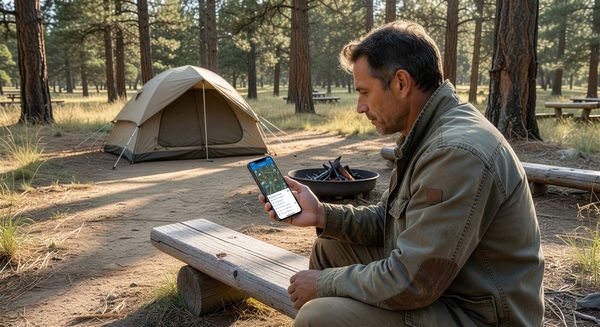
Mobile checkout option: A link in the morning-of communication allows guests to review charges, pay any balance, and formally “check out” from their phone. When the guest submits the digital checkout, their access credential is flagged as departed in the system.
Express drop boxes: For guests who need to return a key, RFID credential, or physical item, a clearly marked drop box at the office entrance allows return without waiting. The envelope includes a simple form with the site number for tracking.
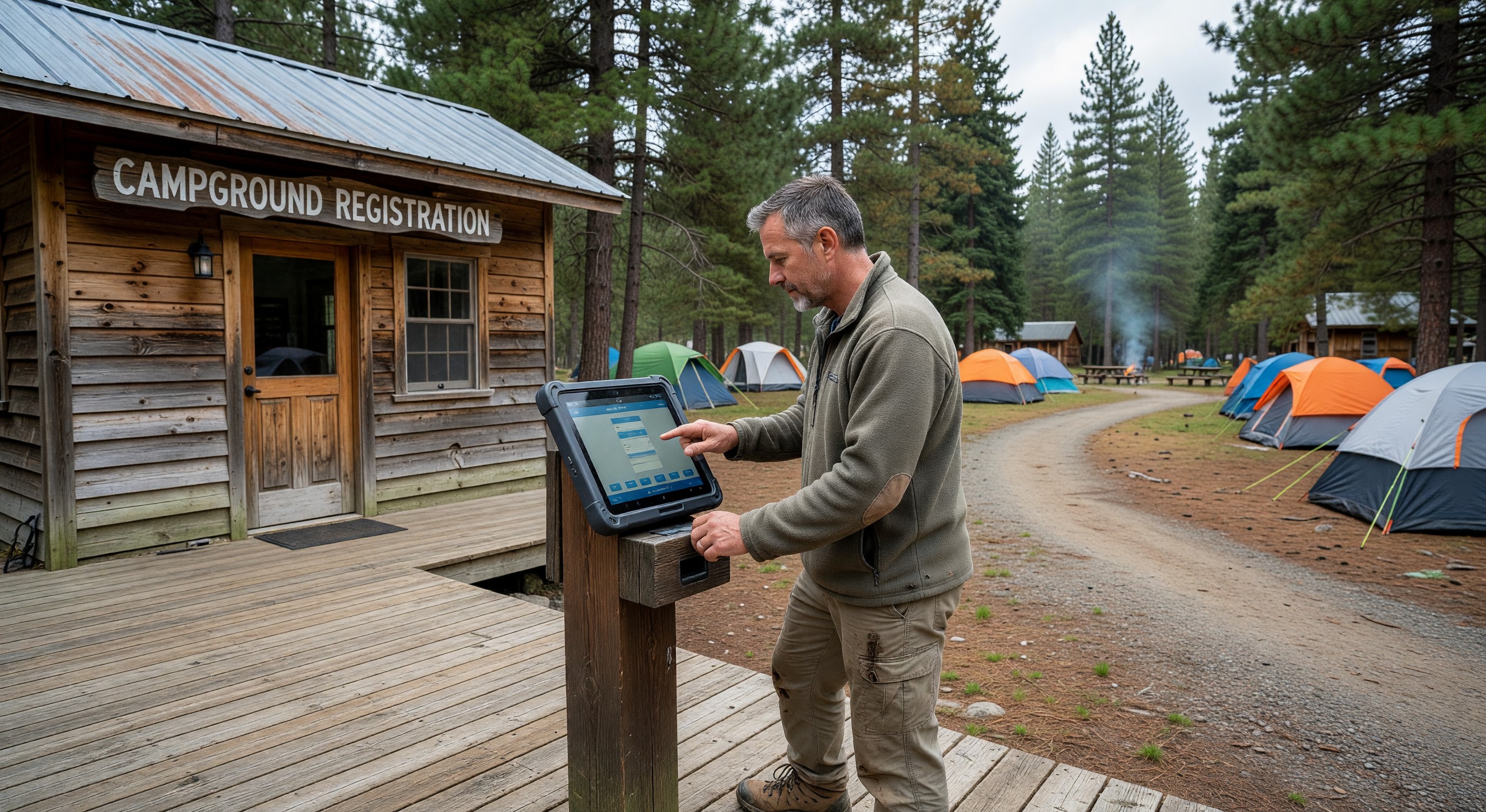
Self-service checkout kiosk: For parks that have a small percentage of guests with outstanding balance issues, a kiosk at the office entrance allows guests to review their bill, pay with a card, and complete checkout without staff interaction. Frees staff to handle complex situations rather than routine checkouts.
Post-departure follow-up sequence:
- 15 minutes after scheduled checkout time: System confirms departure (no valid gate entry after checkout time, or active departure was logged). If no departure detected, flag for staff check.
- 2 hours after checkout: Review request email or text. (“We hope you enjoyed your stay at [Park]. Would you take 2 minutes to share your experience?”)
Handling Checkout Disputes
Even with clear pre-arrival communication, charge disputes occur at checkout. Common situations:
Guest disputes a fee they don’t recognize: Staff should be able to pull the charge history and explain each line item within 30 seconds. If the charge is legitimate and documented, explain it calmly. If there’s been an error, issue the correction promptly.
Guest disagrees with the amount of an add-on: A guest who ordered firewood delivery and disputes the price when settling should have received the price confirmation at time of order. Point to the confirmation and stand by the agreed price.
Guest wants to extend their stay at checkout: Check availability immediately in your system. If a site is available, process the extension right there. Don’t let a guest leave when they wanted to stay — that’s lost revenue.
Frequently Asked Questions
Should I require all guests to physically check out at the office? No. Mandatory office checkout creates unnecessary queues and friction for the majority of guests who have no outstanding issues. Reserve office interaction for guests with outstanding balances or specific needs. Express checkout (drive away and leave) should be the default.
What happens if a guest leaves without paying an outstanding balance? If you have a credit card on file (which you should for all reservations), you can process the balance charge after departure. Notify the guest by email that the outstanding charge has been processed. This is significantly less awkward than confronting them at the gate on departure.
How do I know when a guest has actually left? Access control logs show the last outbound gate use for a guest’s credential. For sites with specific equipment, a site sensor can indicate whether power is being drawn. For many parks, the simple check is whether the site appears vacant on the next maintenance round.
Should I send a satisfaction survey at checkout? Short satisfaction surveys (1–3 questions, 30 seconds) sent by text immediately after departure have high completion rates. Longer surveys have much lower completion rates. A net promoter score question (“How likely are you to recommend us to a friend?”) plus one open-ended question is sufficient for most purposes.
Further Reading from Authoritative Sources
- ARVC campground guest experience and checkout procedures guidance — ARVC provides guest experience management guidance for campground operators and tracks the relationship between checkout process quality and review generation rates in the outdoor hospitality industry.
- PMS checkout workflow and folio management capabilities — Wikipedia’s PMS article covers checkout workflow architecture and folio management capabilities that campground PMS platforms must include to support the automated checkout experiences described in this article.