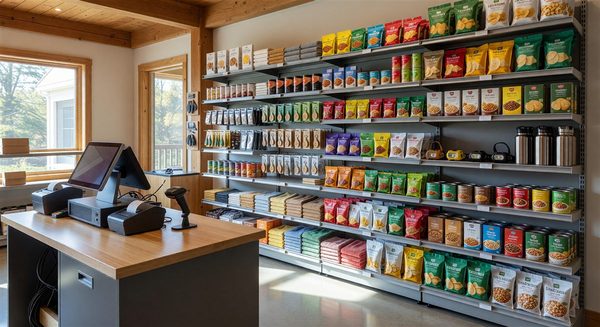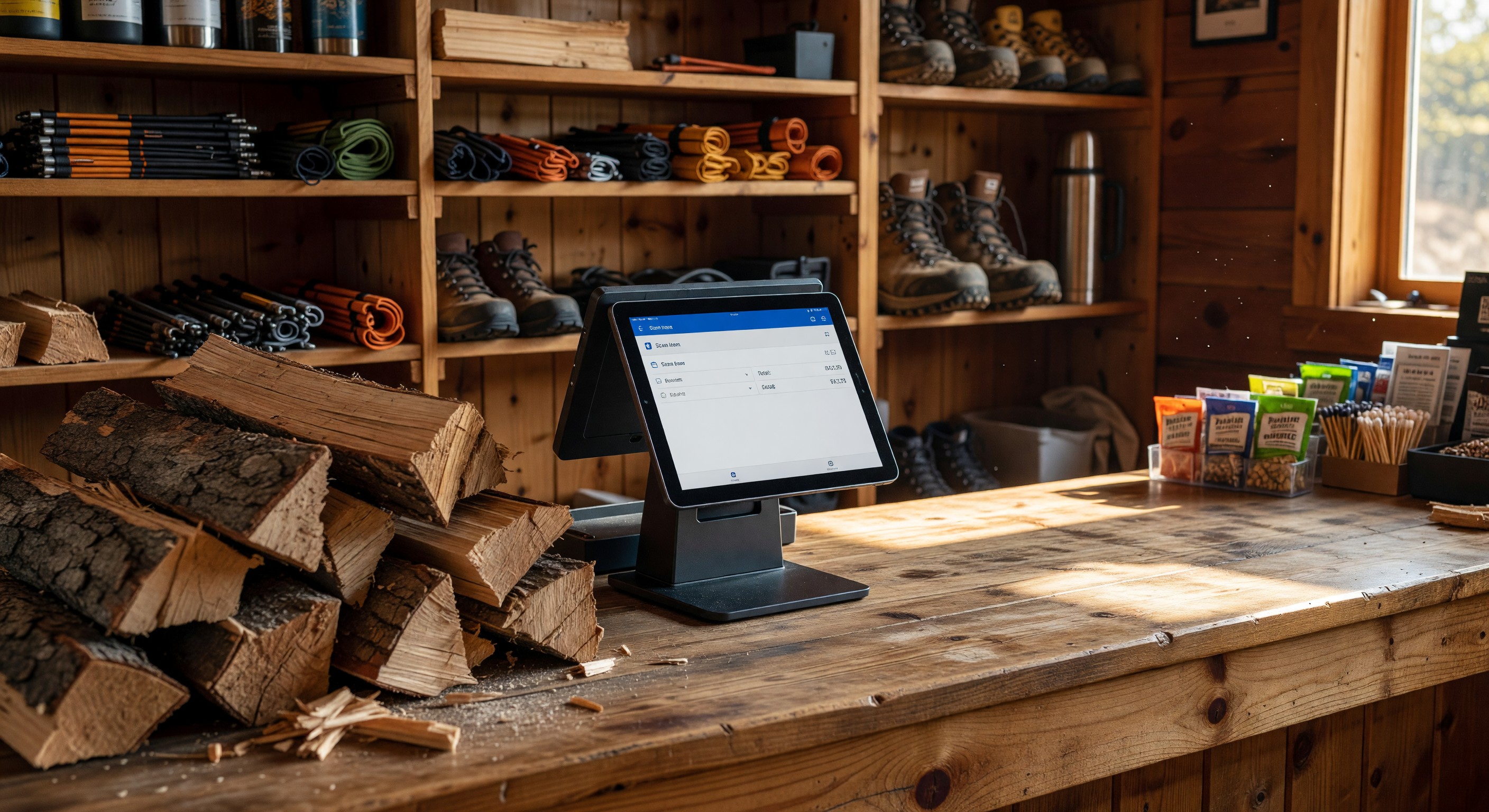
The camp store is a profitable ancillary revenue center for many campgrounds, and the point-of-sale system powering it directly affects how efficiently your staff can operate it. A modern POS system does more than ring up sales — it tracks inventory, generates sales reports, integrates with your reservation system for room charges, and provides the data you need to make smart purchasing decisions.
For campground operators evaluating a camp store POS, here’s what to look for.
Basic POS Requirements for Camp Stores
Product catalog management: The ability to create and organize your product catalog (by category — firewood, ice, grocery, camping supplies, clothing, etc.) with barcodes, prices, and inventory quantities.
Inventory tracking: Automatic inventory decrement when products are sold. Alerts when items approach reorder thresholds. This is the feature that separates a genuine POS from just a cash register.
Sales reporting: Daily revenue totals, best-selling products, slow movers, peak sales hours. Data that informs purchasing and staffing decisions.
Payment processing: Chip-and-tap card readers, cash management, contactless payment acceptance. The POS should include or integrate with a payment processor.
Receipt generation: Email, SMS, or printed receipts based on guest preference.
User permissions: Different access levels for cashiers vs. managers — cashiers can process sales; managers can modify prices, process returns, and access reports.
Integration With Your Reservation System
The most valuable integration for a campground camp store POS is connection to your reservation management system:
Room charges: Guests staying at premium cabins or glamping units can charge purchases to their reservation, paying at checkout rather than with a card each time. This increases per-guest spending and improves the resort-style guest experience.
Automatic add-on fulfillment: When a guest purchases a firewood bundle at booking as an add-on, the POS system can generate a fulfillment ticket for the camp store staff — reducing reliance on manual reservation manifest review.
Loyalty point integration: For parks with loyalty programs, camp store purchases can earn and redeem loyalty points when the POS shares data with the loyalty platform.
Not all PMS platforms support these integrations with third-party POS systems. Check integration availability for your specific PMS before choosing a POS.
POS Options for Small Camp Stores
Tablet-based POS systems: Square, Lightspeed, Toast, and similar tablet-based POS platforms work well for small camp stores. They’re low-cost to start, easy to use, support inventory tracking, and include built-in payment processing. The limitation is that they don’t natively integrate with campground-specific PMS platforms.
Campground-integrated POS: Some campground PMS platforms include a built-in POS or camp store module. This provides the deepest integration — guest charges, reservation lookups, loyalty program connection — but the camp store features may be less sophisticated than a dedicated retail POS.
Hybrid approach: A dedicated retail POS for daily operations, with a manual or semi-automated process to sync reservation charge data with the PMS daily. Less elegant but functional for smaller operations.
Self-Service Camp Store Options
For parks with limited staff or off-hours store needs, self-service technology can extend camp store access:
Automated vending machines: Campground-specific vending machines stocked with essentials (ice, firewood bundles, s’mores kits, basic grocery items) provide 24/7 availability. Modern vending machines accept cards and contactless payment and provide inventory data remotely.
Self-checkout kiosks: For small, honor-system stores or parks that sell primarily grab-and-go items, self-checkout kiosks allow guests to scan and pay without staff involvement.
Ice vending: Ice vending machines are a high-volume, low-labor campground amenity that generates consistent revenue.
Frequently Asked Questions
Should I use Square for my camp store or invest in a more comprehensive retail POS? Square is an excellent starting point for small camp stores with straightforward inventory. Its limitations become apparent as inventory complexity grows (more than 200–300 unique SKUs), when robust inventory management reports are needed, or when reservation integration is required. Evaluate your complexity before over-investing or under-investing.
How do I handle perishable inventory in a camp store POS? Configure expiration date tracking for perishable items and use the low-stock alerts to prevent over-ordering. Most retail POS systems support batch/lot tracking; for a camp store, a simpler FIFO discipline with manual expiration monitoring is often sufficient.
What payment types should I accept at the camp store? Accept all standard payment types: credit/debit cards (chip, tap, swipe), mobile payments (Apple Pay, Google Pay), and cash. In 2024, guests who carry only a card or phone are common. Cash-only camp stores are a friction point for many guests.
Can I use the POS for activity/rental payments in addition to product sales? Yes, if you configure non-inventory items in the POS (a “kayak rental 2-hour” as a product at a fixed price). This works for simple rental transactions; for inventory-tracked rental equipment management, a dedicated rental management tool is more appropriate.
Further Reading from Authoritative Sources
- ARVC campground retail operations and POS standards — ARVC provides operational guidance for campground retail and camp store management, making it the relevant trade authority for POS system requirements in the RV park and campground industry.
- Point of sale system components and retail integration overview — Wikipedia’s point of sale article provides authoritative background on POS system architecture and integration patterns, supporting readers who need foundational context before evaluating campground-specific POS solutions.