Security cameras in campgrounds serve multiple functions simultaneously: they deter potential troublemakers who see they’re being observed, provide documentation when incidents do occur, help operators monitor busy areas during peak periods, and reassure guests that the park takes security seriously.
For most campground operators, the question isn’t whether to install cameras — it’s where to put them, what technology to use, and how to manage the footage effectively.
Where Cameras Actually Belong
Not every corner of a campground needs surveillance. Focus cameras on the highest-value security points:
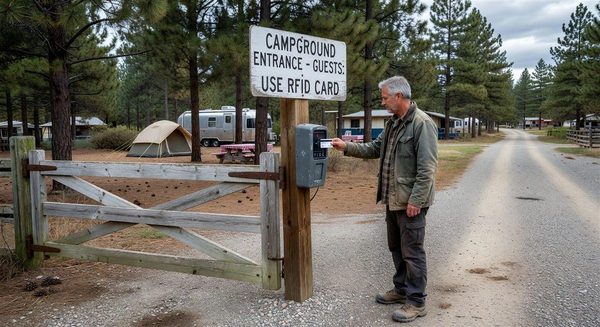
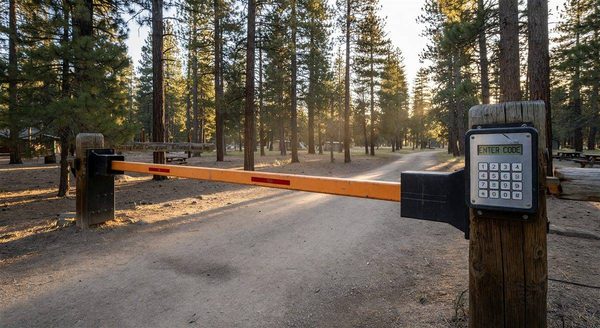
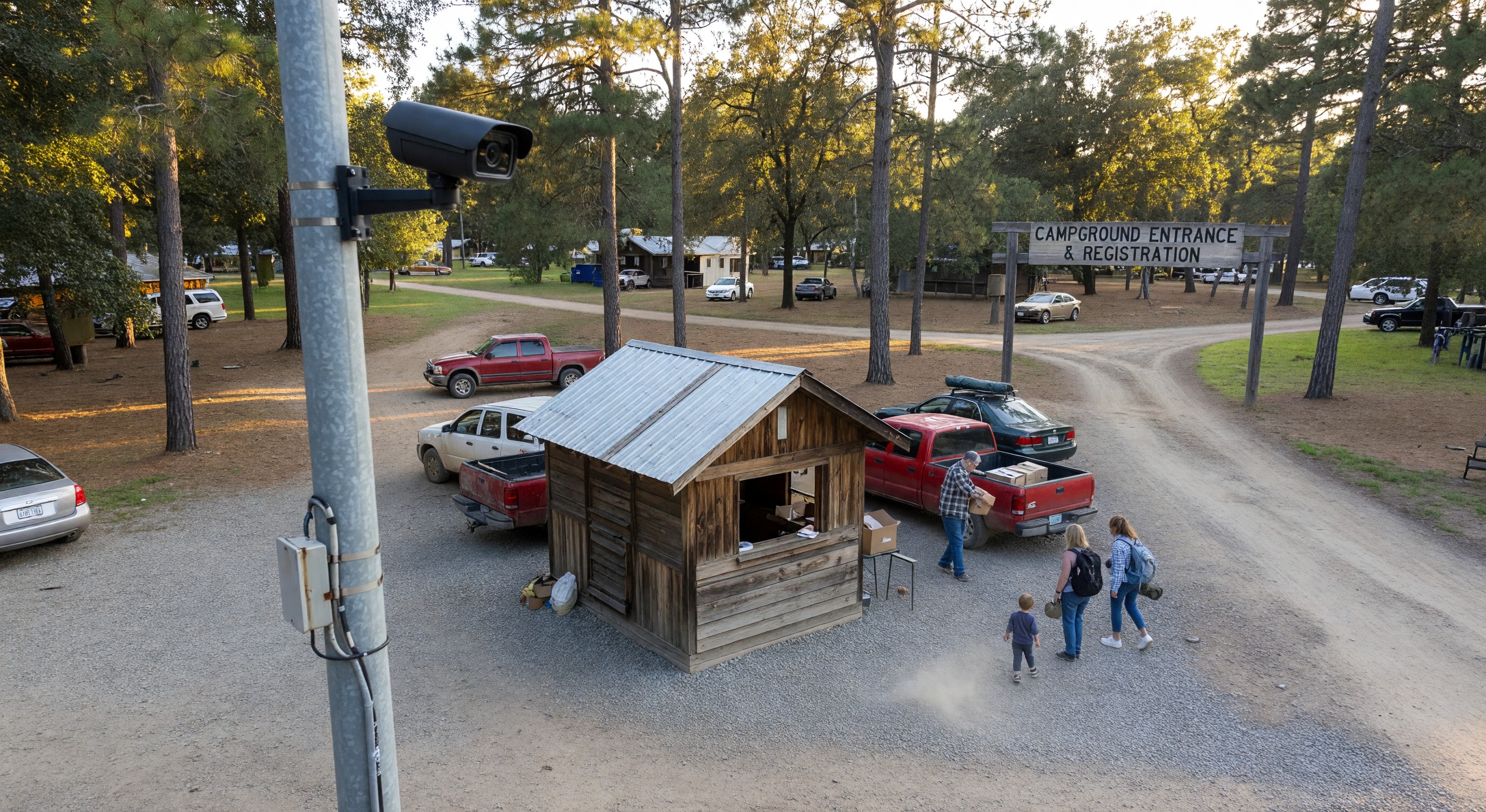
Entry gate area: The most important location. Cameras here document every vehicle entering and exiting, capture license plates, and record the arrival/departure context for any incidents that occur during a guest’s stay.
Registration office: Cameras inside and outside the office protect staff, document transactions, and deter robbery.
Common facility entrances: Bathhouses, laundry rooms, camp stores, and pool areas are locations where unregistered guests are most likely to appear and where staff conflicts most commonly occur.
Dark perimeter areas: Areas around the fence line, dumpster locations, and park boundaries that aren’t naturally visible from staff areas.
Parking lots for boats, trailers, and overflow equipment: These are high-value theft targets. Camera coverage here is a genuine deterrent.
What cameras should not cover: Individual campsites, restroom interiors, shower areas. Camera placement must respect guest privacy. This is both an ethical requirement and, in many jurisdictions, a legal one.
Camera Technology: What to Know
IP cameras vs. analog cameras: Analog systems use coaxial cable and a DVR (digital video recorder). IP cameras transmit digital signals over ethernet or WiFi and record to an NVR (network video recorder) or cloud storage. IP cameras generally offer better image quality, remote access, and integration options. Analog is more affordable for basic applications.
Resolution: Minimum 1080p (2 megapixel) for any camera intended to capture useful facial or license plate detail. 4K (8 megapixel) cameras are becoming affordable and worthwhile for high-priority locations like the gate entrance.
Night vision: Campground incidents frequently occur at night. IR (infrared) illumination is built into most outdoor cameras and provides usable night vision without visible light. Full-color night vision (using color sensors and supplemental lighting) provides more detail but requires ambient light.
Weatherproofing: All outdoor cameras should be rated IP66 or higher — protected against dust and powerful water jets.
Wide dynamic range (WDR): Cameras at entry points face challenging lighting conditions — bright daylight from outside, shadow in a covered gateway. WDR technology manages this contrast and captures usable images across the exposure range.
Storage and Recording Approaches
Local NVR/DVR: Footage is stored on a hard drive at the site. Access requires physical access to the recorder or a local network connection. Cost-effective; no ongoing storage fees; requires physical maintenance (drives fail eventually). Storage capacity determines how many days of footage you retain before older footage is overwritten.
Cloud storage: Footage is uploaded to a cloud server and accessible remotely via app or web browser. Ongoing storage cost; easy remote access; footage is secure even if the on-site equipment is stolen. Some manufacturers offer cloud as a subscription feature.
Hybrid: Local primary storage with cloud backup of selected critical footage (entry cameras, for example) provides both local access speed and remote backup security.
For most campground applications, local NVR storage with at least 30 days of retention at the entry cameras, and 7–14 days at other cameras, is a reasonable baseline.
Privacy and Legal Considerations
Notice posting: In most jurisdictions, posting notice that video surveillance is in use is best practice and required in some states. A sign at the campground entrance (“This property is monitored by video surveillance for security purposes”) satisfies most notice requirements.
Guest privacy: As noted, cameras must not be placed in areas where guests have a reasonable expectation of privacy. This includes any location within a campsite that would capture guests in a private setting.
Footage retention: Define and document how long footage is retained. Retaining footage indefinitely creates data liability. A 30–90 day retention policy for routine footage (deleted after retention period unless an incident report has been filed) is reasonable and defensible.
Frequently Asked Questions
How many cameras does a 100-site campground typically need? There’s no fixed answer, but a practical starting point for a 100-site park is 8–12 cameras covering the entry, registration, key common facilities, and perimeter areas. Additional cameras for boat storage, overflow lots, and secondary gates add from there based on your specific risks.
Can I monitor cameras remotely from my phone? Yes, and this is a standard feature of modern IP camera systems. Most systems provide a smartphone app for live viewing and event alerts. Ensure the system you buy includes remote access capability — some budget systems lock this behind a subscription.
What happens to footage if the system loses power? Quality NVR systems have battery backup that maintains operation during brief outages. For longer outages, most systems resume recording when power is restored. Footage from the outage period is lost unless you have a UPS (uninterruptible power supply) that provides extended runtime.
Are there grants available to help campground operators pay for security camera installation? Some state tourism agencies and local small business development programs have offered security improvement grants or loans for small hospitality operators. Check with your state’s campground association and your local economic development office for current programs — availability varies by region and changes annually.
Further Reading from Authoritative Sources
- ARVC campground security standards and operations guidance — ARVC is the primary trade body for the campground industry and publishes security and operations guidelines that inform best practices for camera placement and security system design at RV parks and campgrounds.
- CCTV and network video surveillance system overview — Wikipedia’s CCTV article provides neutral, authoritative background on NVR versus cloud-based video management architectures, supporting readers who need foundational context on surveillance technology before making campground-specific purchasing decisions.